Zones
From Phoenix Cart User Guide
Revision as of 08:19, 7 January 2020 by PeterRobert (talk | contribs)
<historylink type="back">🠈 Back</historylink> 🠉 ADMINISTRATION
From admin dashboard go to Locations/Taxes → Zones - you will see this:

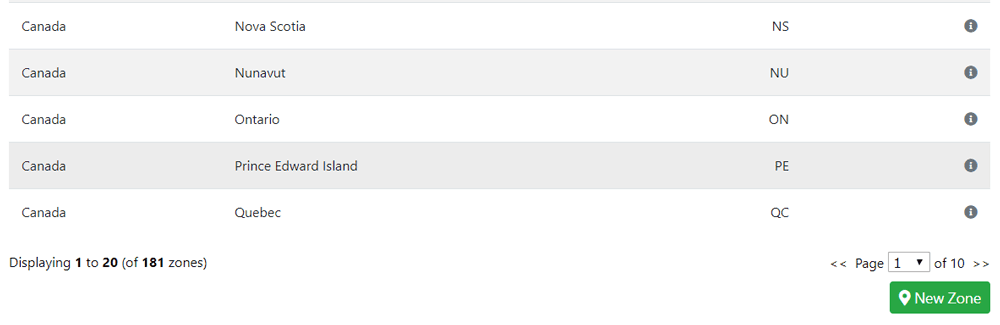
Zones are defined here as being part of a country e.g. a state or province and are used when setting up Taxes, Payment and Shipping options and other modules.
CE Phoenix has Zones already defined for Austria, Canada, Germany, Spain, Switzerland and U.S.A.
If your location is different, or you will be selling to locations other than those already defined you can define them here.
At the bottom of the page you will see this:
- Click New Zone
- Enter the Zones Name and Zones Code (if the country for that Zone uses one).
- Select the Country from the drop down menu.
- Click Save
- Repeat for every Zone in the Country.
Phoenix Cart User Guide, like CE Phoenix Cart, is free to use but is maintained by unpaid volunteers.
All other content is the reserved Intellectual Property and Copyright of phoenixcart.org
