Set up Tax Classes
From Phoenix Cart User Guide
Revision as of 07:11, 2 September 2024 by PeterRobert (talk | contribs)
Back
Setup Shop
_
From admin dashboard go to  Locations / Taxes → Tax Classes - you will see this:
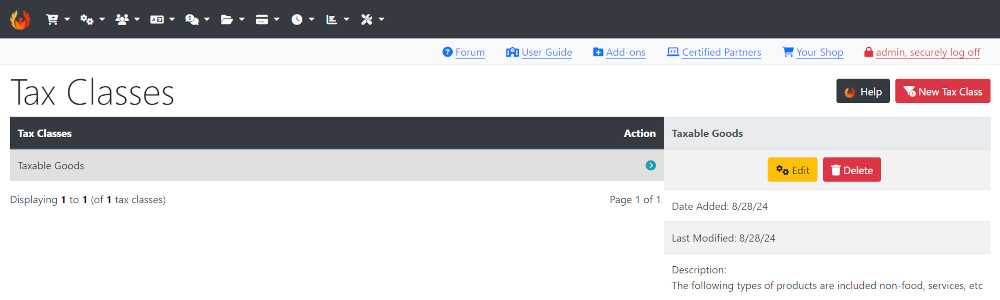
This shows the one Tax Class installed by default. Tax Classes are the different taxes that apply to the different goods and services sold in the shop. These different Tax Classes can then be assigned to different products when products are entered to automatically apply the correct tax class to the correct product.
For examples:
- Standard Tax Goods & Services
- Reduced Tax Goods & Services
- Zero Tax Goods & Services
Set up more tax classes if required.
- Click New Tax Class
- Enter a Name.
- Enter a Description.
- Click Save
- The rate (percentage %) is set in the next step Set up Tax Rates
Many Addons and Extensions available in the CE Phoenix Cart Addons Library
If help is needed, support is available in the CE Phoenix Cart Support Forum
Phoenix Cart User Guide, like CE Phoenix Cart, is free to use but is maintained by unpaid volunteers.
All other content is the reserved Intellectual Property and Copyright of phoenixcart.org
